3 min readOct 16, 2026by jakub
Multiblog
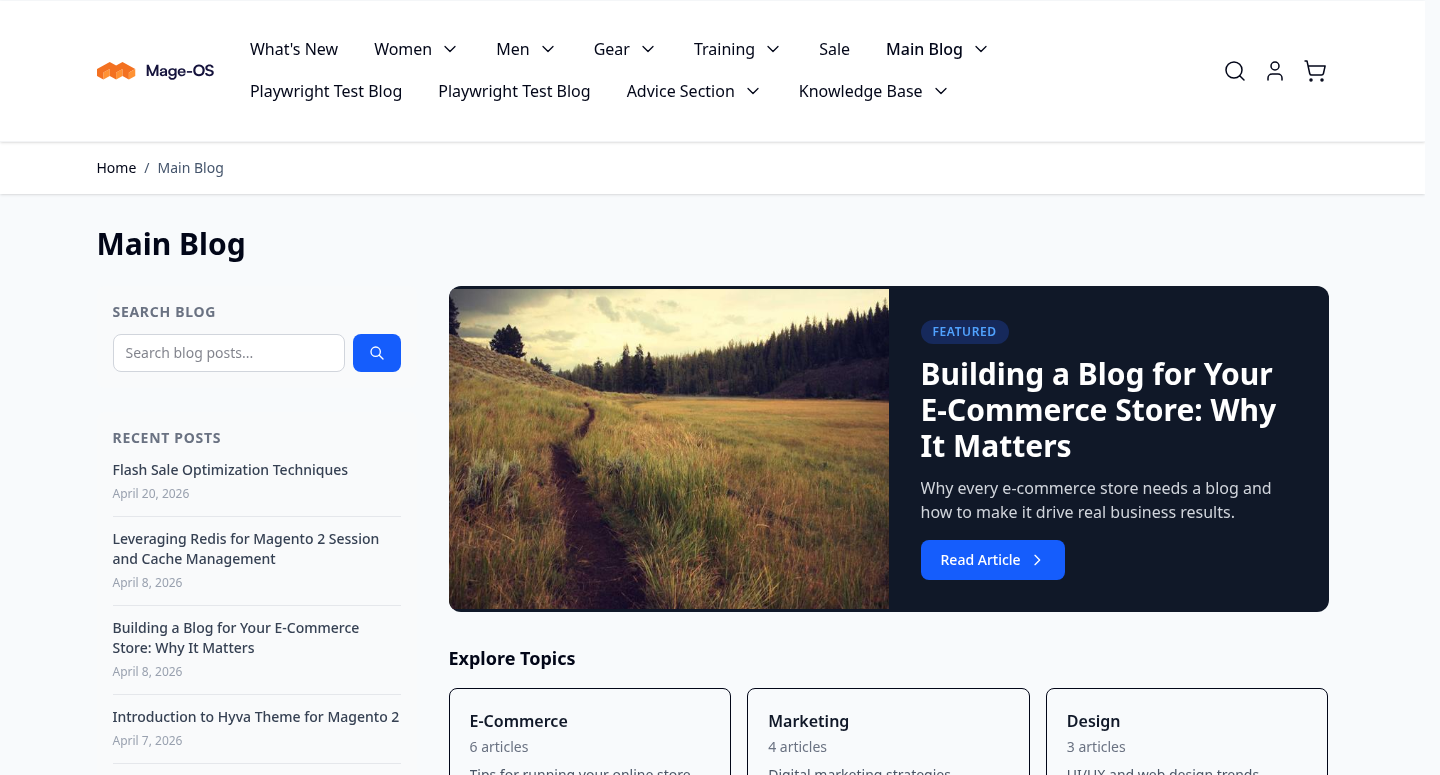
Publish more than one blog from a single Magento 2 or Mage-OS store — a customer-facing magazine, a trade advice section and an internal knowledge base can each have their own route, category tree, authors and SEO rules, without a second installation to maintain or a headless CMS to pay for.
Latest version: 1.3.2 — changelog
Who it's for
- Stores that speak to more than one audience — a shopper magazine beside a trade advice section, each blog on its own route and in its own store views.
- Hyvä storefronts, with native templates and, on Hyvä Commerce, visual editing of blog content in the Hyvä CMS LiveView editor.
- Headless and PWA builds that read blog content over REST or GraphQL.
- Stores moving off WordPress, through the WXR importer.
Why it matters
- One store, many audiences. Content aimed at different buyers no longer has to share one blog and one URL scheme. Each instance gets its own route, navigation entry and store-view scope.
- Editors stay in Magento. Posts, categories, tags and authors are ordinary admin grids with ACL behind them, so you are not paying for a second CMS or reconciling two content models.
- Content that sells. Posts can link to catalog products, and product pages can surface related posts, so editorial work feeds the catalog instead of sitting beside it.
- SEO is built in, not bolted on. Canonical URLs, per-entity meta robots, Open Graph tags, JSON-LD structured data, breadcrumbs and XML sitemap entries ship as part of the suite.
- Migrate without a rewrite. WordPress WXR and CSV importers move existing archives in, and a CSV exporter takes them back out.
See it in action
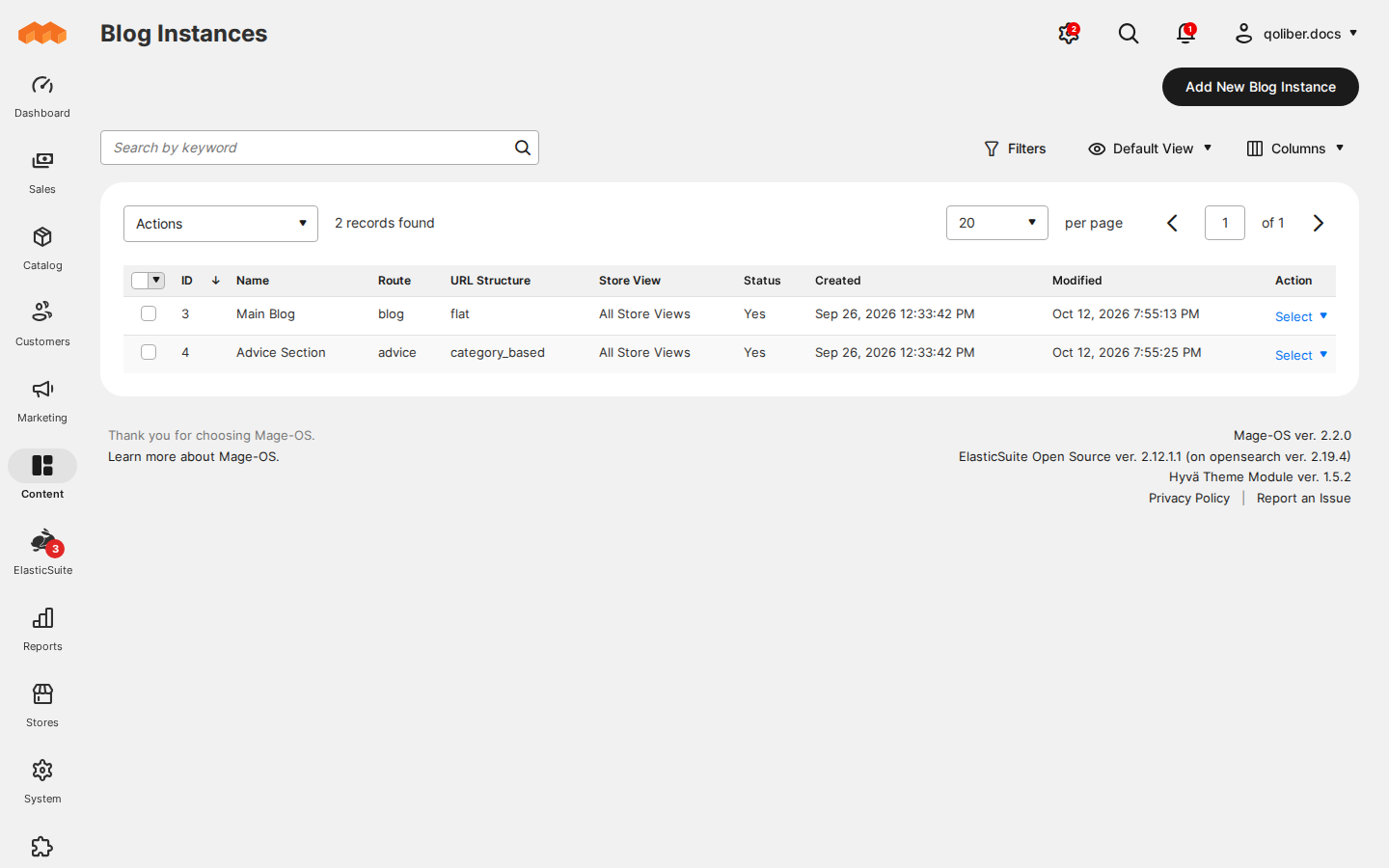
- You set a blog's route to
news→ you get that blog at/news, live the moment you save it, with no cache to flush. - You set a blog's URL structure to category based → you get post
URLs that carry the whole category path, such as
/advice/technology/web-development/my-post, with one canonical URL even when a post sits in several categories. - You save a post as a draft → you get a post nobody can open on the
storefront until you publish it:
/blog/<draft-url-key>answers404. - You set the list thumbnail size to 240 × 160 in your theme → you get a
16:9 photo served at 240 × 135, with
widthandheightattributes that match the file, so the page does not jump as images load.
What you get
| Feature | Benefit |
|---|---|
| Blog instances | Run distinct blogs for distinct audiences, each on its own route and store views, without another Magento install |
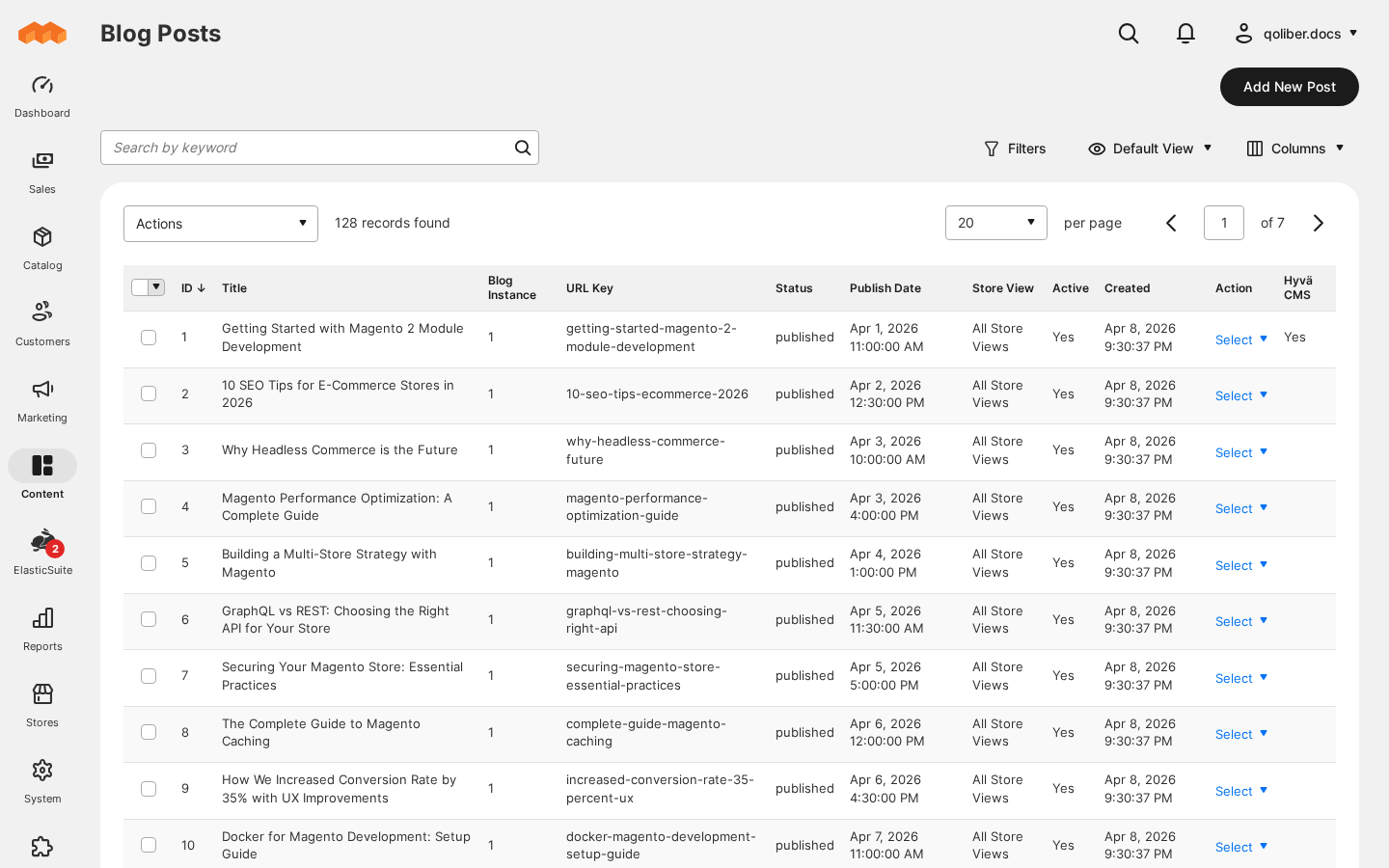
| Posts | Write, preview, duplicate and schedule posts; link products so editorial work sells; drop post lists onto any CMS page with the widget |
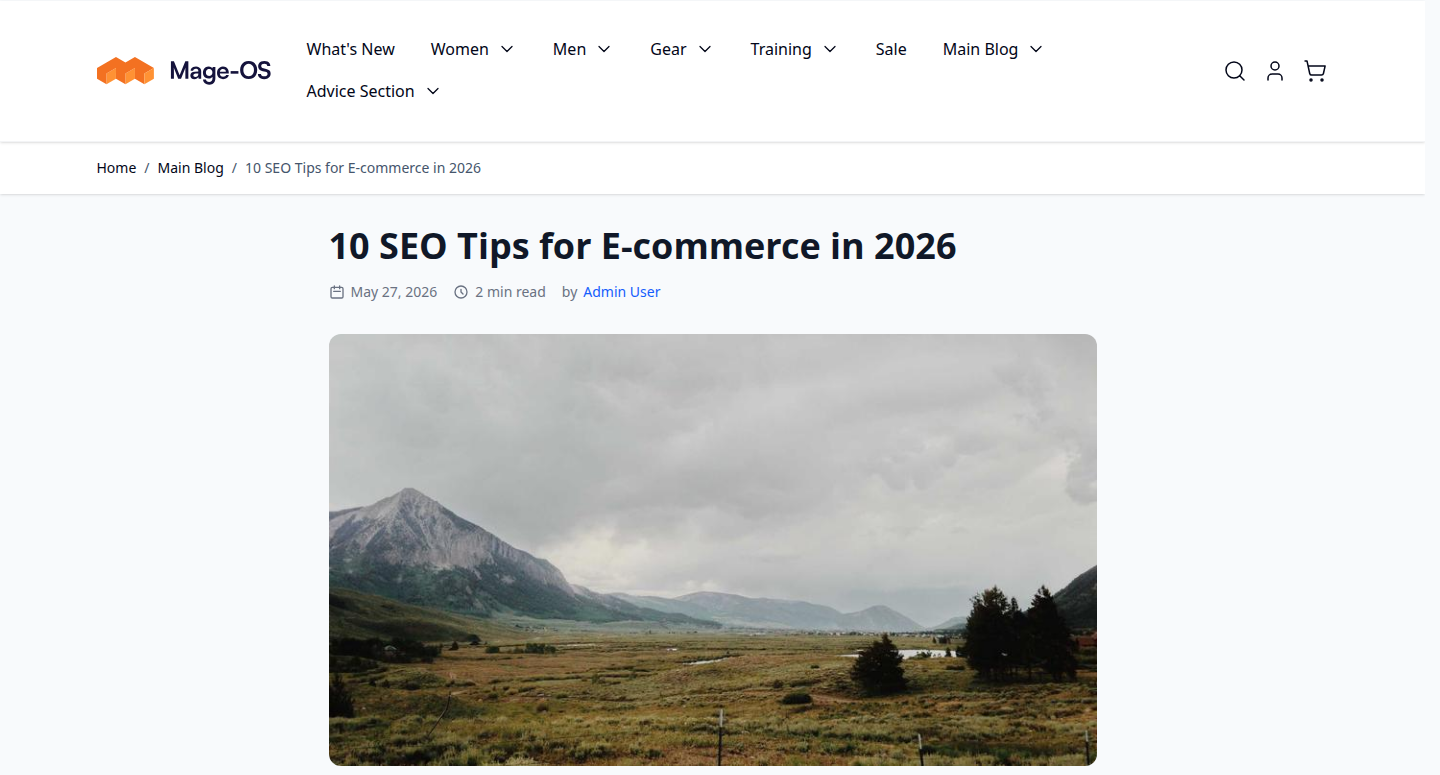
| Categories, tags and authors | Nested categories with flat or category-based URLs, topic pages and contributor profiles that stay inside the blog they belong to |
| URL collisions | Find posts and categories that share a URL key inside a blog before readers land on the wrong page |
| Comments | Collect reader feedback with approval, guest control, threaded replies and email notifications |
| Import and export | Bring a WordPress or CSV archive across, or take your content elsewhere as CSV |
| RSS feeds | Let readers and aggregators subscribe to exactly the slice they want: a blog, a category, a tag or an author |
| Blog search | On-site search on OpenSearch that keeps working when OpenSearch is unavailable |
| Open Graph tags | Controlled link previews when a post is shared on social platforms |
| Rich snippets | JSON-LD that makes posts eligible for rich results |
| Social sharing | Readers share posts without a third-party widget script |
| XML sitemap integration | Blog URLs join Magento's own sitemap generation |
| REST and GraphQL APIs | Headless and PWA storefronts read every blog entity; REST writes with an admin token |
Image sizes set per theme in view.xml | Change thumbnail and hero sizes without overriding templates, per theme |
| Automatic page refresh on save | Edits, new comments and new blogs show on a cached storefront without a manual cache flush |
Competing solutions
The right-hand column describes common practice on the Magento extension market, not any particular vendor.
| Qoliber | Typical marketplace extension | |
|---|---|---|
| Packagist installation | Installed and updated with Composer from our private Packagist (qoliber.repo.packagist.com) | Varies by vendor |
| Slack access to the development team | A shared Slack channel with the developers who build and maintain the module | Usually ticket-based |
| Unit tests | 911 PHPUnit unit tests (250 classes) in the repository | Not typically published |
| Integration tests | 149 Magento integration tests (30 classes), run before every release | Not typically published |
| E2E Playwright tests | 206 Playwright end-to-end tests (31 spec files) on Luma and Hyvä, run before every release | Not typically published |
| Documentation | Full docs portal: install, configuration, usage, API reference | Varies by vendor |
| Hyvä support | Hyvä theme templates and a Hyvä CMS LiveView bridge ship with the suite | Varies by vendor |
| PHP / Magento range | PHP 8.1 to 8.5; magento/framework 103.0 or newer | Varies by vendor |
- Hyvä-native. Ships Hyvä theme templates and a Hyvä CMS LiveView bridge for posts, blogs, categories and authors.
- API-first. 25 REST endpoints and 11 GraphQL queries cover instances, posts, categories, tags and authors — see the API reference.
- No SaaS dependency. Content, search index and comments live in your own database and your own OpenSearch — nothing is rented from a third party.
Good to know
- Blog search runs on OpenSearch and falls back to a MySQL
LIKEsearch when OpenSearch is unreachable. On Magento's default "Update by Schedule" indexer mode, cron has to run for edits to reach search. - Comments ship switched off; turn them on per store in the configuration.
- The GraphQL API is read-only. Creating and changing content over an API goes through REST with an admin token.
- Hyvä templates come in a separate metapackage, and the LiveView bridge needs a Hyvä Commerce CMS licence.
Supported versions
PHP 8.1, 8.2, 8.3, 8.4 and 8.5. Magento Open Source / Adobe Commerce with
magento/framework 103.0 or newer, plus the Store, Catalog, User, CMS and
Sitemap modules. Hyvä support requires the Hyvä theme; the LiveView bridge
additionally requires a Hyvä Commerce CMS licence.