URL Regeneration
Bring every product, category and CMS page URL back in one command when your URL rewrites are missing or out of date, for example after data was written straight into the database. Every store view gets its own URLs, built from the URL keys already in your catalog, and you don't have to re-save a single product.
Latest version: 1.0.6 — changelog
Who it's for
- Stores with several store views. Each store view gets URLs from its own URL keys, falling back to the All Store Views key where it has none.
- Teams that load catalog data straight into the database, such as migrations and integrations that write SQL. Magento creates a URL rewrite when an entity is saved, so rows written directly have none until they are regenerated.
- Multi-website catalogs with more than one root category. Every category under every root gets its URL.
- Stores that put category paths in product URLs. With Use Categories Path for Product URLs switched on, every product also gets a URL under each of its categories.
Why it matters
- Missing URLs are lost pages. A product without a URL rewrite answers with a 404 to shoppers and search engines alike. One run brings back product, category and CMS page URLs.
- No mass re-save. The command reads the URL keys straight from the catalog and writes rewrites in batches, instead of loading and saving each product.
- Store views stay separate. A URL key set on one store view becomes that store view's URL, and the other store views keep their own.
- You choose the scope. Regenerate everything, or only products, only categories or only CMS pages.
See it in action
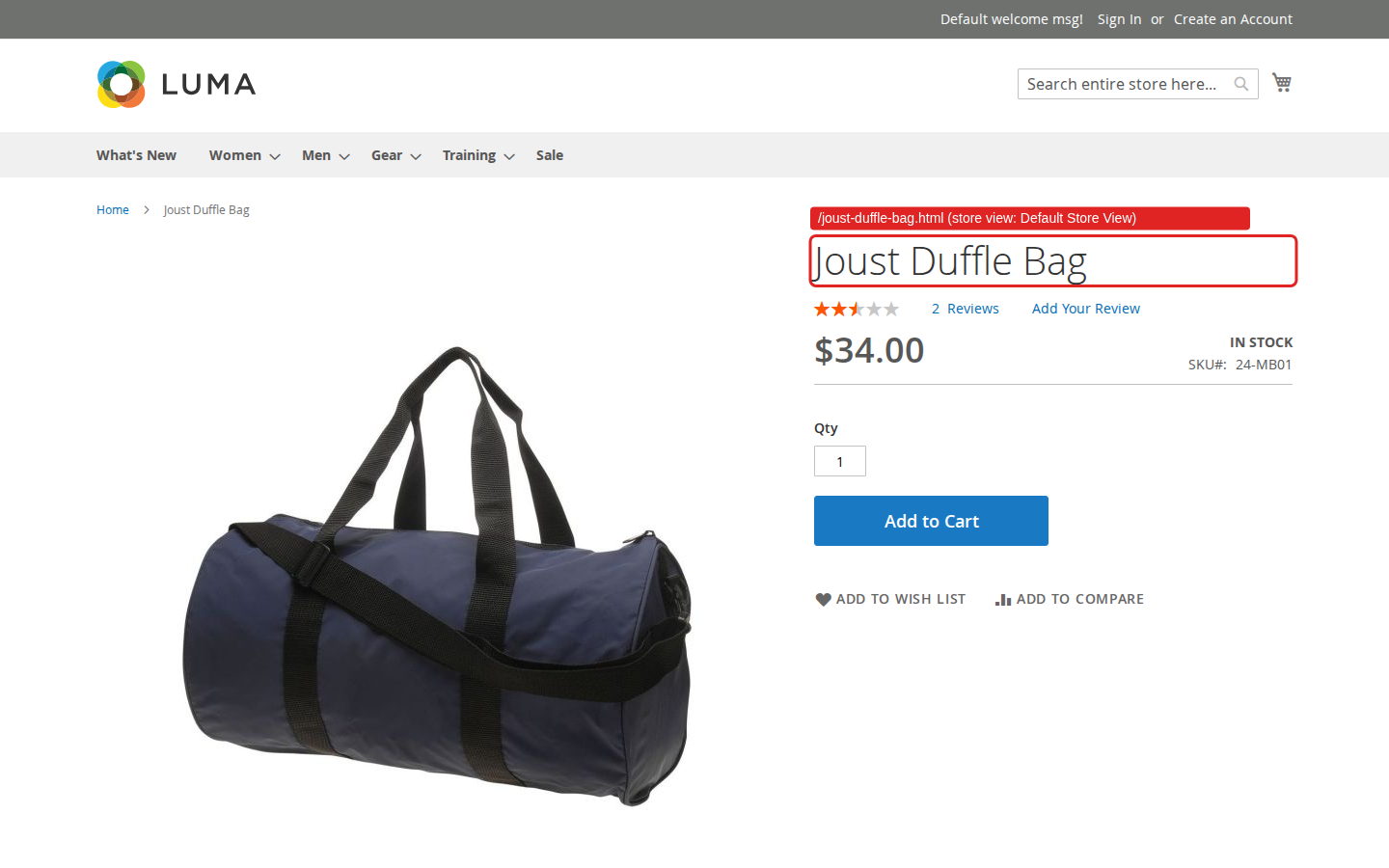
Rebuild only product URLs. You run bin/magento qoliber:url:regenerate --entity_type=product. The command answers Starting URL regeneration for entity type "product" and rebuilds product URLs only: category and CMS page rewrites stay exactly as they were.
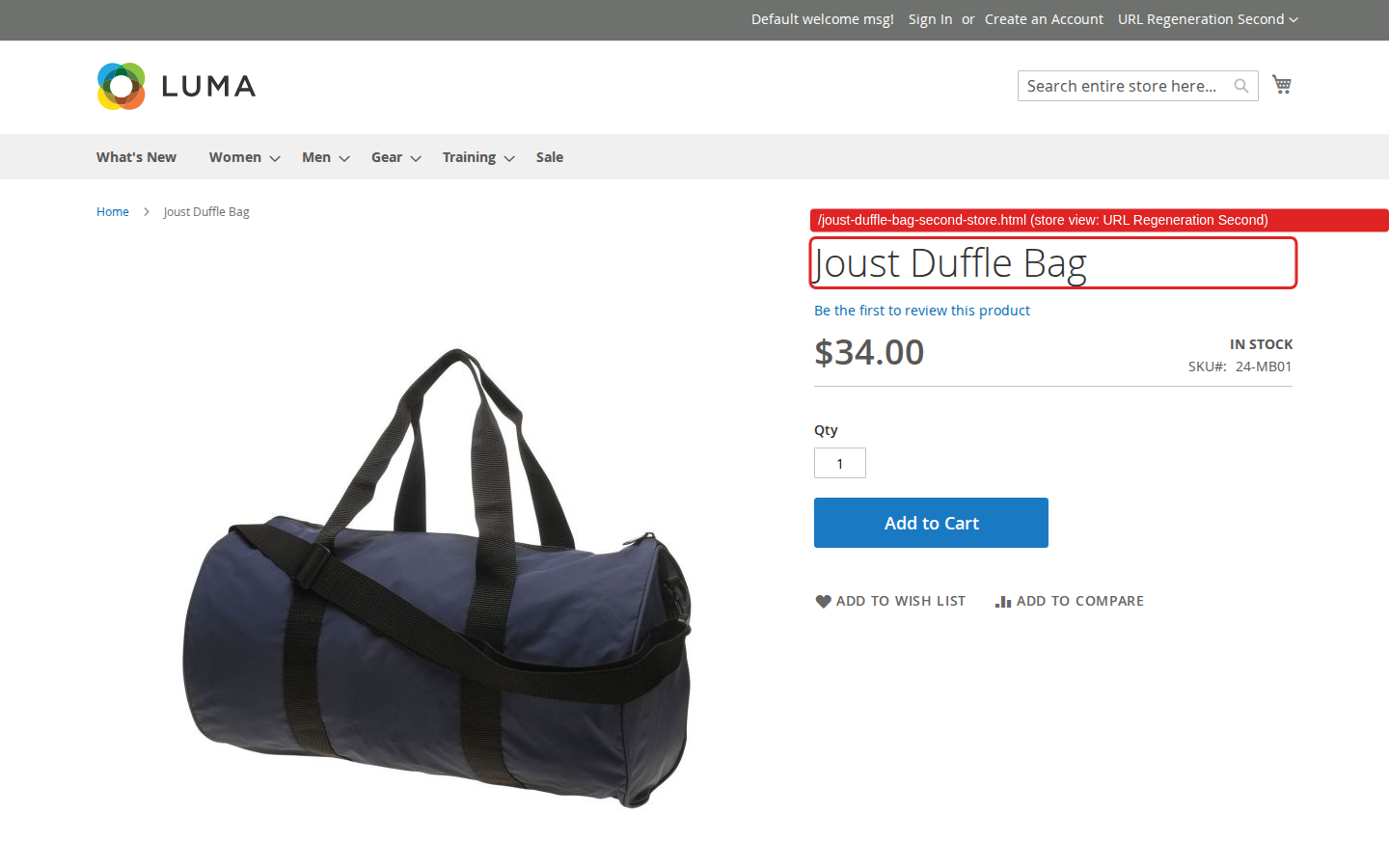
A URL key for one store view. You give Joust Duffle Bag the URL key joust-duffle-bag-second-store on a second store view and regenerate. That store view now opens the product at joust-duffle-bag-second-store.html, while the default store view keeps joust-duffle-bag.html and answers the second store view's URL with a 404.
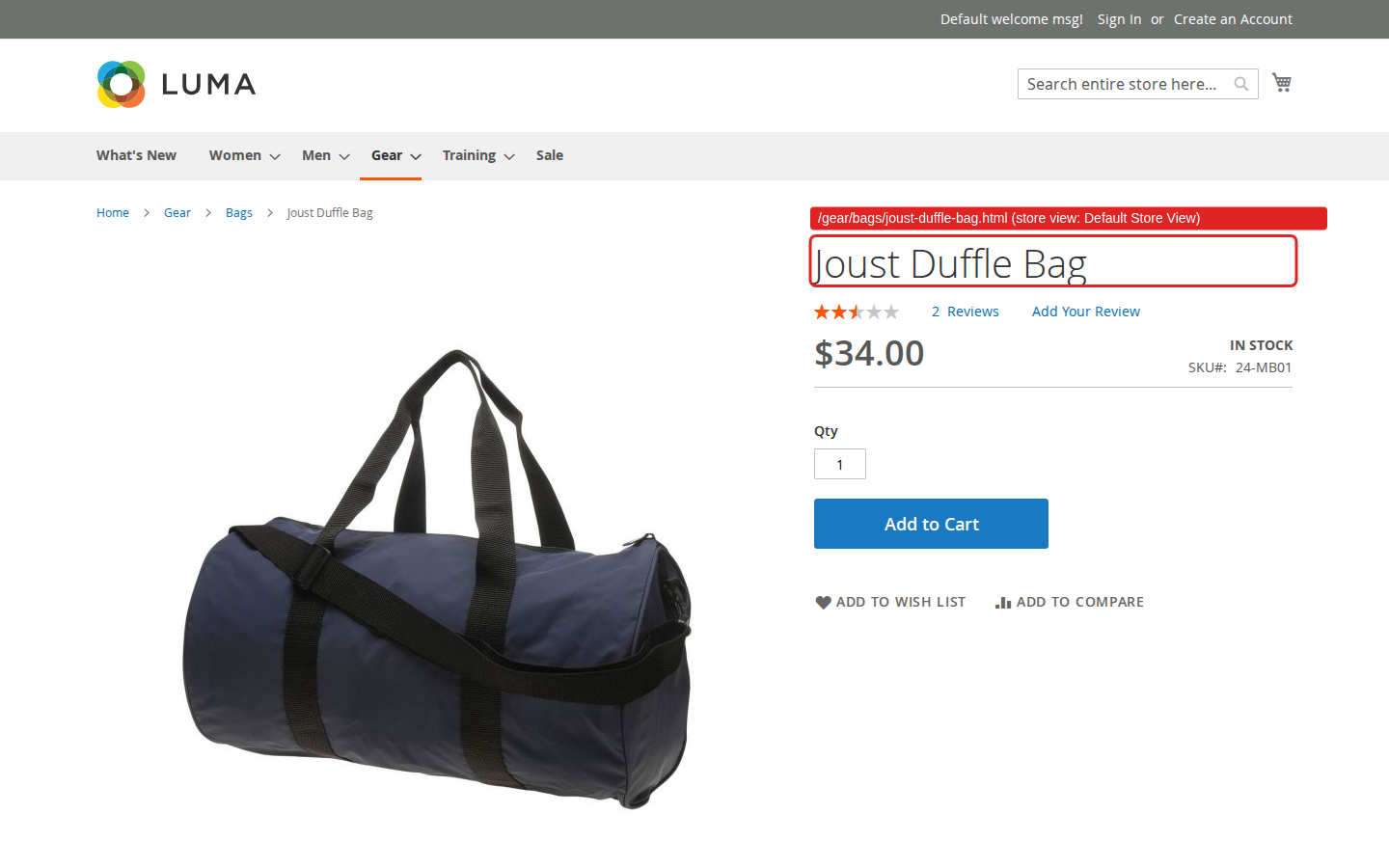
Category paths in product URLs. You set Use Categories Path for Product URLs to Yes and regenerate. gear/bags/joust-duffle-bag.html now opens Joust Duffle Bag from the Bags category, and joust-duffle-bag.html still works.
Features
| Feature | Benefit |
|---|---|
| Regenerate URLs | Rebuild the URL rewrites of every product, category and CMS page, or of one entity type, with a single command. |
| Store-view URLs | Give each store view its own product and category URLs from its own URL keys, subcategories included. |
| Category paths in product URLs | Let shoppers reach a product under every category it belongs to, without losing its plain URL. |
- Runs inside your store. One console command reading and writing your own database: no external service, nothing leaves the server.
Competing solutions
The right-hand column describes common practice on extension marketplaces, not any one vendor.
| Qoliber | Typical marketplace extension | |
|---|---|---|
| GitLab access | Full access to the module's GitLab repository — source, history, issues and merge requests | Varies by vendor |
| Packagist installation | Installed and updated with Composer from our private Packagist (qoliber.repo.packagist.com) | Varies by vendor |
| Slack access to the development team | A shared Slack channel with the developers who build and maintain the module | Usually ticket-based |
| E2E Playwright tests | 8 Playwright end-to-end tests on Luma (5 spec files) in the repository, covering several store views and several root categories | Not typically published |
| Documentation | Full docs portal: installation, configuration, usage, troubleshooting and developer guide | Varies by vendor |
| PHP / Magento range | PHP 8.1 to 8.5, Magento Open Source and Mage-OS on magento/framework 103 | Varies by vendor |
Good to know
- Product and category runs start from a clean slate. Before writing new rewrites, the command removes every existing product (or category) URL rewrite. That includes rewrites you created for a product or category in Marketing › SEO & Search › URL Rewrites, and the permanent redirects Magento keeps when a URL key changes. CMS page rewrites are added or updated, never removed.
- Every product, every store view. Rewrites are written for all products, including products that are not visible individually and products outside a store view's website.
- A command, not a screen. There is no admin page: you run it on the server, and it does not flush caches for you.
Supported versions: PHP 8.1 to 8.5, Magento Open Source and Mage-OS with magento/framework 103 (Magento 2.4). Tested on Mage-OS 3.5.0.
Install the module · Settings it reads · Partnership program