Translate Pro
Fix a wrong or missing translation on your storefront or in the Admin yourself, review it, and put it live in one step. You don't edit CSV language packs, open a developer ticket or wait for a static content deployment. Shoppers in each store view see the wording you published, in the page itself and in the JavaScript widgets around it.
Latest version: 1.0.0 — changelog
Who it's for
- Stores that sell in more than one language. Translations are set per target locale, such as
pl_PLorzh_Hans_CN, and can be overridden for a single store view when two stores share a language but not a wording. - Teams where translators and approvers are different people. Viewing, editing, deleting and publishing are separate Admin permissions, so a translator can prepare drafts that only a publisher can put live.
- Merchants with non-English Admin users. Admin interface phrases can be translated as well, and only Admin users whose interface uses that locale see them.
- Stores on Adobe Commerce Cloud and other read-only hosting. By default, publishing writes no files at runtime. Translations are stored in the database and served from cacheable URLs.
Why it matters
- Wording fixes stop waiting for a release. You change a phrase in the Admin and publish it, without a code change, a language-pack deployment or a static content deployment.
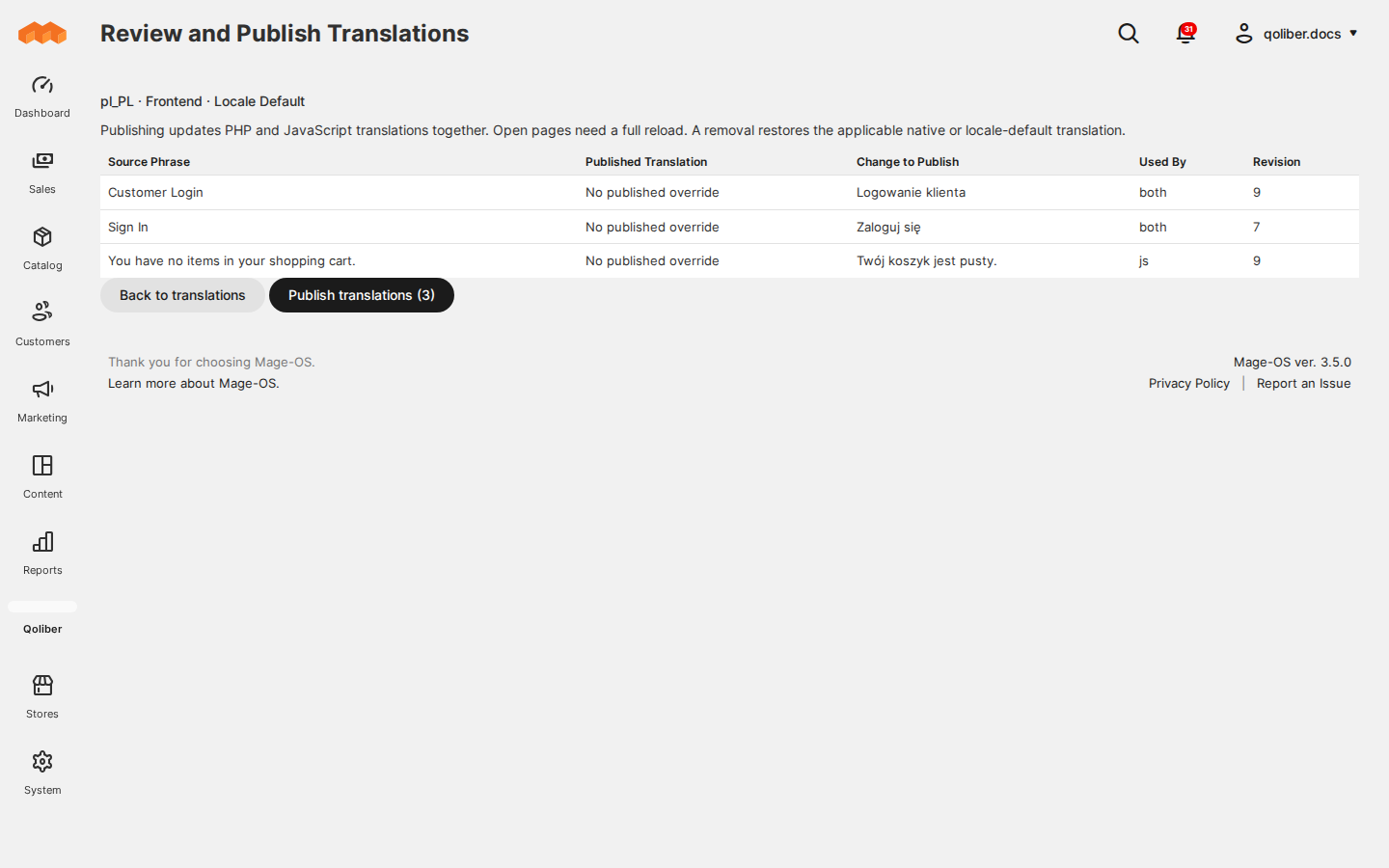
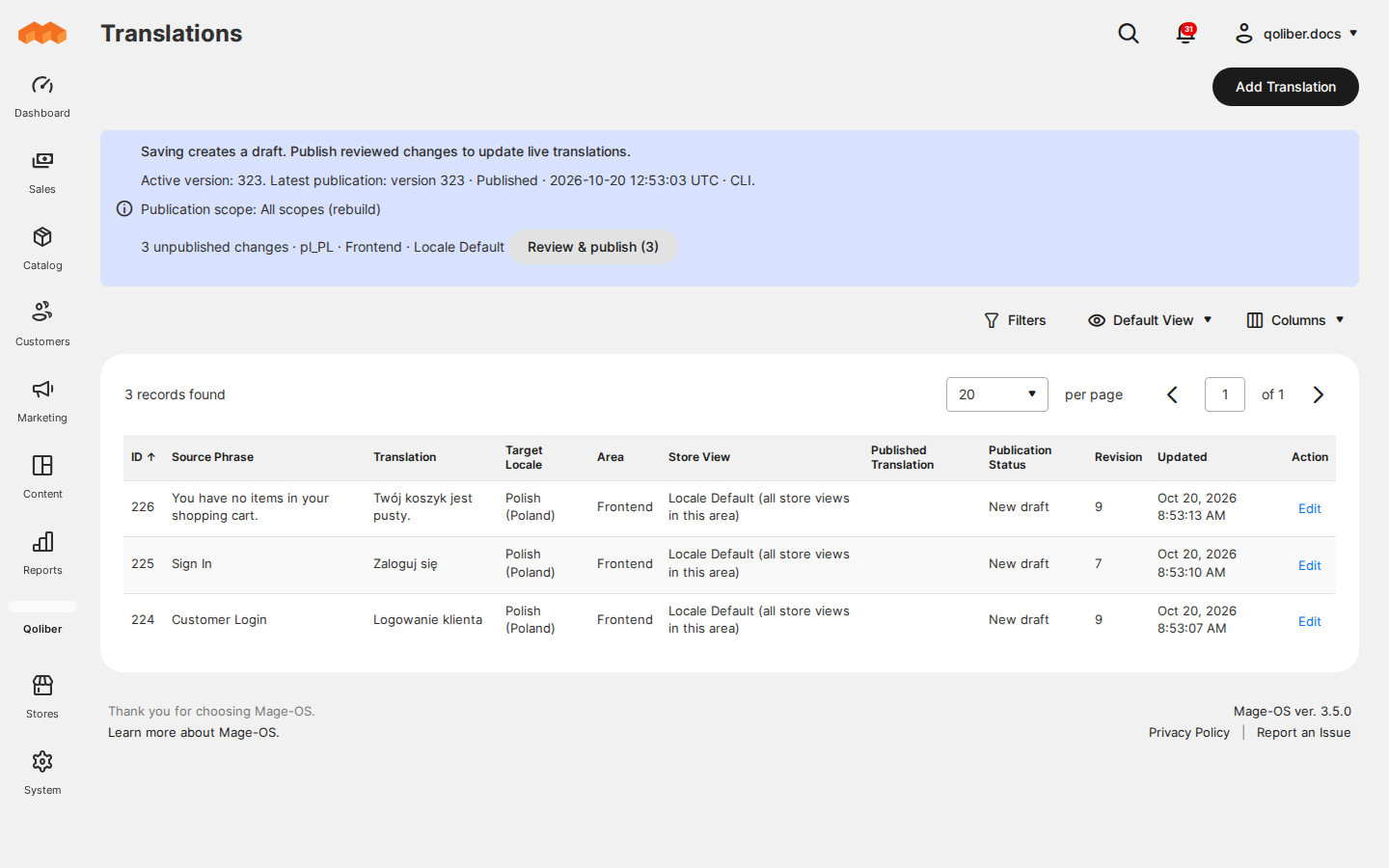
- Nothing goes live by accident. Saving creates a draft. Live translations change only when someone with publish permission reviews the exact changes and publishes them.
- No half-translated pages. PHP-rendered text and the browser's Knockout text switch to the new version together, and a failed publication leaves the previous version live.
- Deployments don't undo your work. In the default mode, published translations are applied on top of whatever dictionary the next deployment ships, so new native translations and yours both appear.
- Fewer support tickets about wrong labels. Placeholders such as
%1are checked before a draft is saved, so a translation cannot break the message it replaces.
See it in action
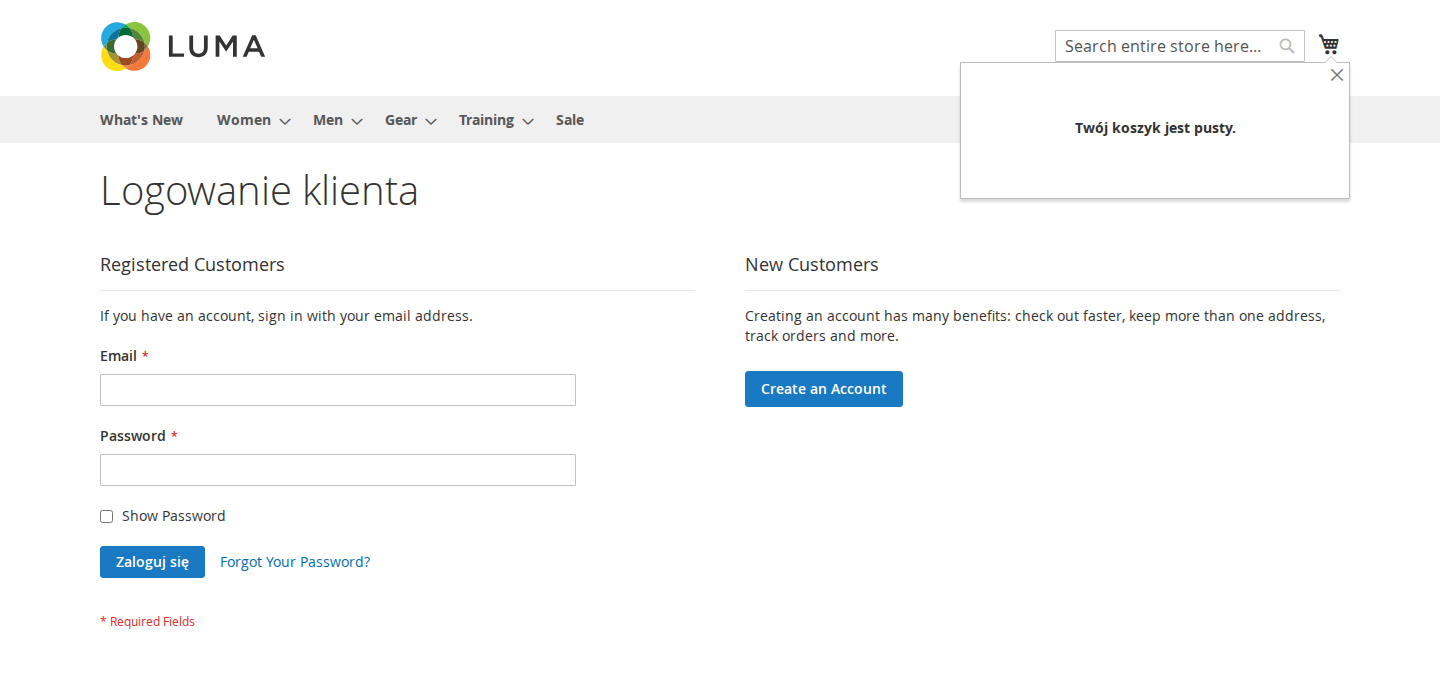
One wording per language, another for one store. You publish Customer Login → Logowanie klienta for pl_PL (Locale Default) and a different heading for one Polish store view. Each Polish store shows its own heading, and the English store keeps Customer Login. Remove the store override and that store falls back to the locale default.
Text that Knockout renders in the browser. You set You have no items in your shopping cart. → Twój koszyk jest pusty. with Used By set to JavaScript / Knockout and publish it. The minicart shows the Polish text after a page reload, without a static content deployment.
A release that changes Magento's own translations. A deployment rebuilds the native JavaScript dictionary with a new translation. In the default Merge mode, the storefront shows the new native translation and your published overrides together, without republishing.
Features
| Feature | Benefit |
|---|---|
| Translation drafts | Add, edit, filter and delete phrase translations per area, locale and store view. Drafts keep their revision history and never touch the live store. |
| Review and publish | See exactly what changes before it goes live, and publish one scope as a new version. A review that is out of date cannot publish. |
| What shoppers see | Page text, emails and Knockout widgets show your wording, and store view overrides win over the locale default. |
| Dictionary delivery and deployments | Choose database-only delivery for read-only hosting, and choose whether deployments need a rebuild. |
| Roles and permissions | Give translators drafts and publishers the publish button, as separate Admin permissions. |
| Command-line publishing | Publish a scope or rebuild every dictionary from a deployment script with bin/magento. |
Competing solutions
The right-hand column describes common market practice, not any particular vendor.
| Qoliber | Typical marketplace extension | |
|---|---|---|
| Packagist installation | Installed and updated with Composer from our private Packagist (qoliber.repo.packagist.com) | Varies by vendor |
| Slack access to the development team | A shared Slack channel with the developers who build and maintain the module | Usually ticket-based |
| Unit tests | 46 PHPUnit unit tests (17 classes) in the repository | Not typically published |
| Integration tests | 44 Magento integration tests (11 classes), run before every release | Not typically published |
| E2E Playwright tests | 23 Playwright end-to-end tests (10 spec files) on Luma and the Magento Admin, run before every release | Not typically published |
What sets it apart
- Runs inside your store. Drafts, publications and dictionaries live in your own database and are served by your own store. No third-party translation service is involved.
- Built for read-only filesystems. A deployment test makes everything except
var/andpub/media/catalog/product/read-only and checks that editing, publishing and serving translations create no other files.
Good to know
- Interface phrases only. Translate Pro translates the text Magento, modules and themes render through Magento's translation layer. Product, category and CMS content is out of scope.
- Plain text with Magento placeholders. Translations can use
%1and named placeholders such as%name. HTML markup, HTML entities and ICU or printf formatting are rejected in this release. - RequireJS themes and the Admin. Browser dictionaries reach RequireJS/Knockout storefront themes such as Luma, and the Magento Admin, with Magento's
dictionaryJavaScript translation strategy. Hyvä is not supported yet. - Adobe Commerce. Translate Pro uses no Commerce-only module and is designed for its read-only filesystem. Testing against a licensed Adobe Commerce installation (staging preview, Fastly, remote storage) has not been done yet. A Fastly purge needs an adapter for the
qoliber_translate_publication_invalidateevent.
Supported versions
Magento Open Source 2.4.8 or later in the 2.4 line, or Mage-OS (magento/framework ^103.0.8), with qoliber/core 1.0.7 or later. The package allows PHP 8.1 to 8.5; Magento 2.4.8 and later need PHP 8.3 or newer. Built and tested on Mage-OS 3.5.0 with PHP 8.4 and MySQL 8.0.
Next steps
- Install the extension
- Review the delivery settings
- Agencies and resellers: see the partnership program